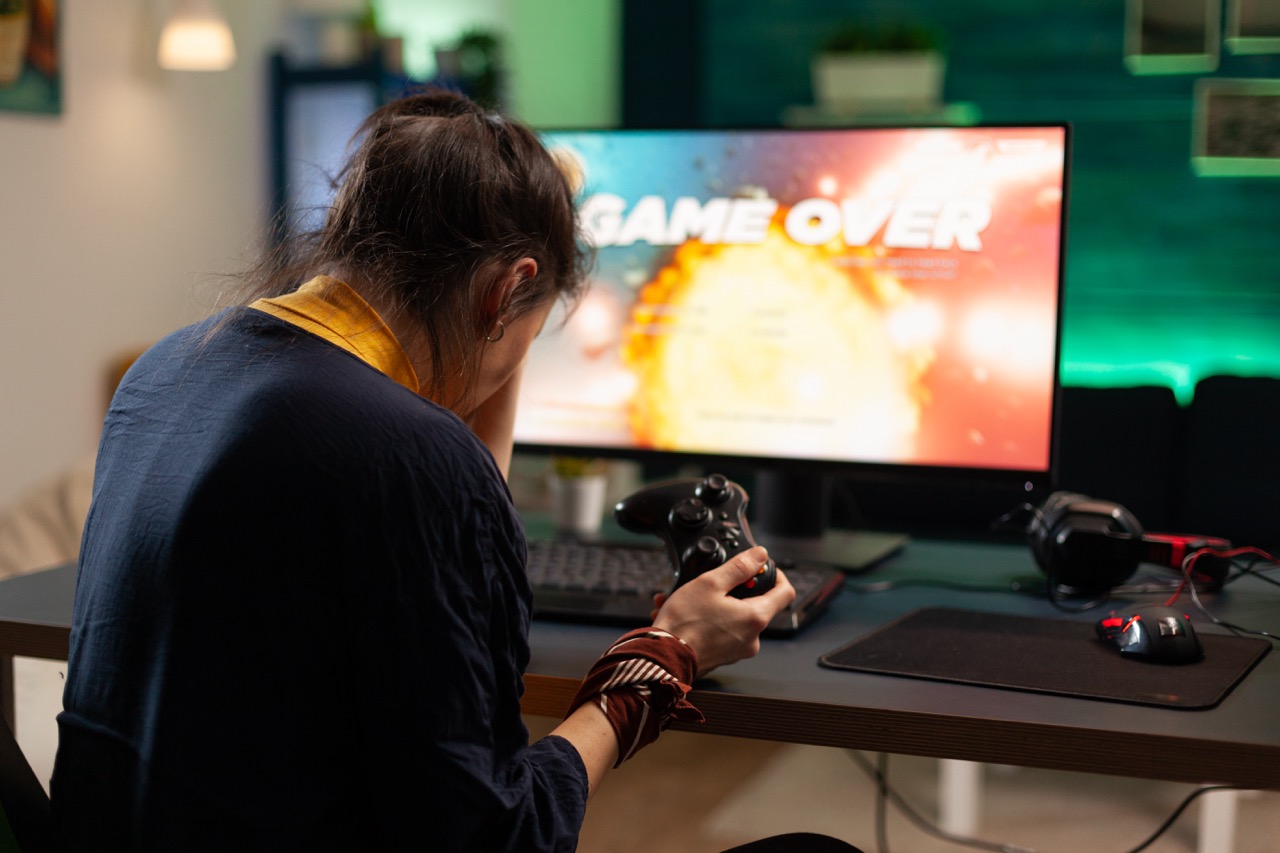






Gaming is an exhilarating experience, but it often comes at the cost of our physical health. Long hours spent in front of a screen can lead to discomfort, pain, and even chronic issues if we’re not careful. An ergonomic gaming setup is your best defense against these problems, allowing you to immerse yourself in the game while ensuring your body stays happy and healthy. Let’s explore how to create this setup step-by-step!
Your Ultimate Guide to an Ergonomic Gaming Setup
First things first, let’s break down what an ergonomic gaming setup actually is. It’s all about creating a space that reduces strain on your body while maximizing your comfort and performance. The focus here is on correct posture, proper equipment, and smart organization. The aim? To keep you gaming for hours without feeling like you’ve just run a marathon.
When you think about it, effective ergonomics is more than just comfort; it’s about productivity, too. A well-designed setup can enhance your focus, reduce fatigue, and even improve your gaming skills! We all want to hit those high scores, right? So, let’s dive into the specifics of how you can build this ideal setup without sacrificing your health.
Lastly, investing in ergonomic equipment may seem like a splurge, but think of it as a long-term investment in your health. The better you feel, the longer you can game, and the more fun you’ll have. So, grab those snacks and let’s get into the nitty-gritty of creating your ultimate gaming sanctuary!
Choosing the Right Chair for Comfort and Support
The chair is arguably the most important piece of furniture in your gaming setup. You want something that offers lumbar support, adjustable height, and ideally, some cushioning to keep you comfy during those marathon gaming sessions. Look for chairs that are designed specifically for gaming or office work, as they typically offer the best features for long hours of sitting.
Make sure to check out adjustable features like armrests and backrest recline. Your arms should rest comfortably while typing or using a controller, and your back should maintain a natural curve without straining forward. This helps prevent those pesky back pains that can ruin your weekend gaming plans.
Don’t forget about the material! Breathable fabrics can help you stay cool, especially during intense gameplay. Leather might look sleek, but can get hot and sticky. A good chair isn’t just about looks; it should feel like a throne fit for a gaming king or queen!
Perfecting Your Desk Height and Monitor Position
Next up is your desk and monitor setup. The height of your desk should allow your elbows to rest comfortably at a 90-degree angle when using your keyboard and mouse. This minimizes strain on your shoulders and wrists, helping you maintain a more relaxed posture. If your desk isn’t adjustable, consider keyboard trays or even using a stack of books to elevate your setup.
Now, let’s talk monitor position. The ideal monitor height is at or slightly below eye level. This helps you avoid leaning forward and straining your neck. A great tip is to position your monitor about an arm’s length away while keeping the top of the screen at eye level. This setup helps to prevent eye strain and allows for a more comfortable viewing angle.
Finally, don’t forget about lighting! Glare from windows or overhead lights can strain your eyes. Make sure your gaming area is well-lit but not too bright, and consider using anti-glare screens or blinds to enhance your experience. A little attention here can make a world of difference!
Essential Accessories for a Healthy Gaming Experience
Now that you’ve got your chair, desk, and monitor set up, it’s time to think about accessories that can elevate your ergonomic game. A good mouse and keyboard can make all the difference. Look for options that are designed to reduce wrist strain, such as ergonomic keyboards with a split design or a mouse that fits comfortably in your hand.
You might also want to invest in a footrest. This can help maintain proper posture by keeping your feet flat on the ground or elevated at a comfortable angle. A footrest can also help reduce lower back strain, especially during those extended gaming sessions where comfort is key.
Lastly, consider using a gaming mat or wrist support. These can provide additional cushioning and stability while you play, further protecting your wrists from repetitive strain injuries. Having the right accessories can be the cherry on top of your ergonomic setup, making your gaming experience not just enjoyable, but also healthy.
Building an ergonomic gaming setup is all about prioritizing your health while enjoying your favorite pastime. With the right chair, desk height, monitor position, and essential accessories, you can create a space that keeps you comfortable and focused for hours on end. So gear up, level up your setup, and dive into gaming with newfound energy and comfort. Happy gaming!